#Templates
How many social media templates does a small business need?
Fewer than a template shop suggests. Count the kinds of posts you put out, not the sizes Instagram offers, and build one template for each.
Template shops sell in bundles of fifty or a hundred. It's a reasonable guess at what a business might need, and most of the bundle never gets opened. The number that matters is smaller and easier to find.
Count the kinds of posts, not the sizes
Scroll back through the last few months of your posts and sort them into piles by what each one was for. The piles usually look something like this:
- Announcements: something new, a change, a launch
- Offers: a sale, a discount, a limited spot
- Tips or insights: something useful from your field
- Proof: a testimonial, a result, a client story
- Events: a webinar, a workshop, a date to save
Each pile is one template. Some businesses have three piles, some have seven. Either way, it's a list you can count on your hands.
Which sizes do you actually need?
A square post travels well across Instagram, LinkedIn and Facebook. Stories, reels covers and banners each need their own size, but only if you post them. A template in a size you never use is one more file to scroll past.
What a set looks like
Israel Home Store sells household goods online, and its posts are mostly sales, new arrivals and discounts. Every one of them is built from the same few parts: the pin shape from the logo, a round photo crop, and a round badge for the percentage.







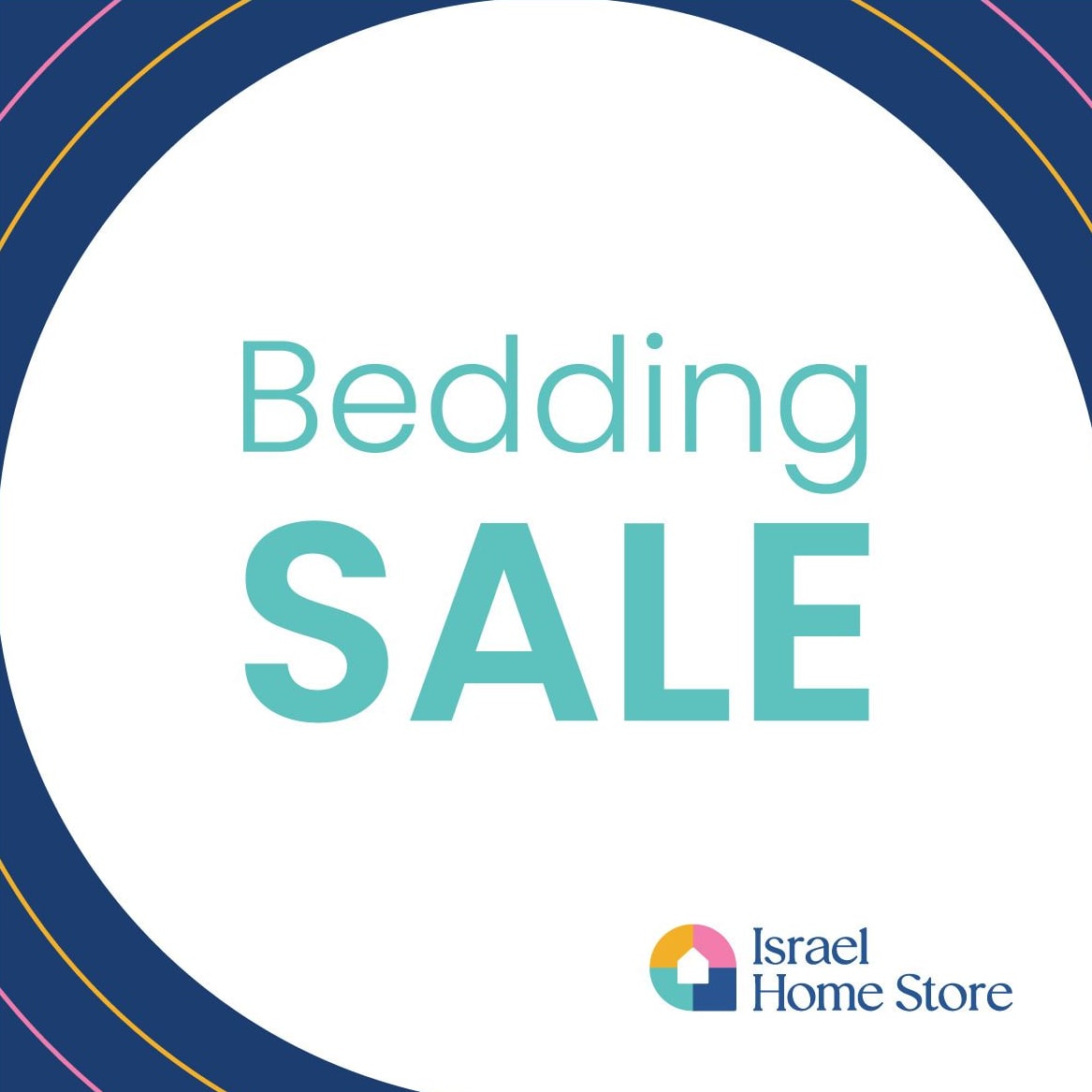


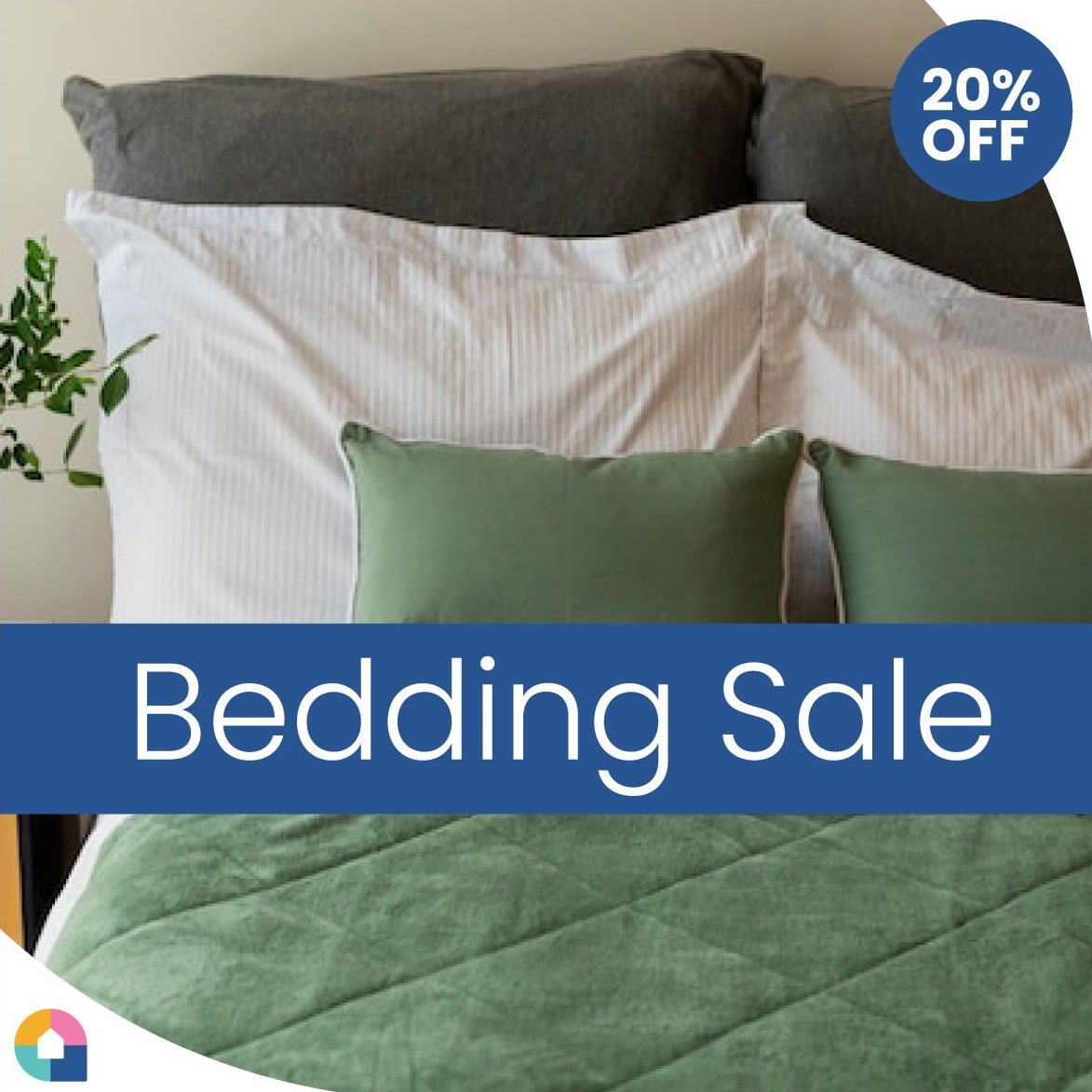
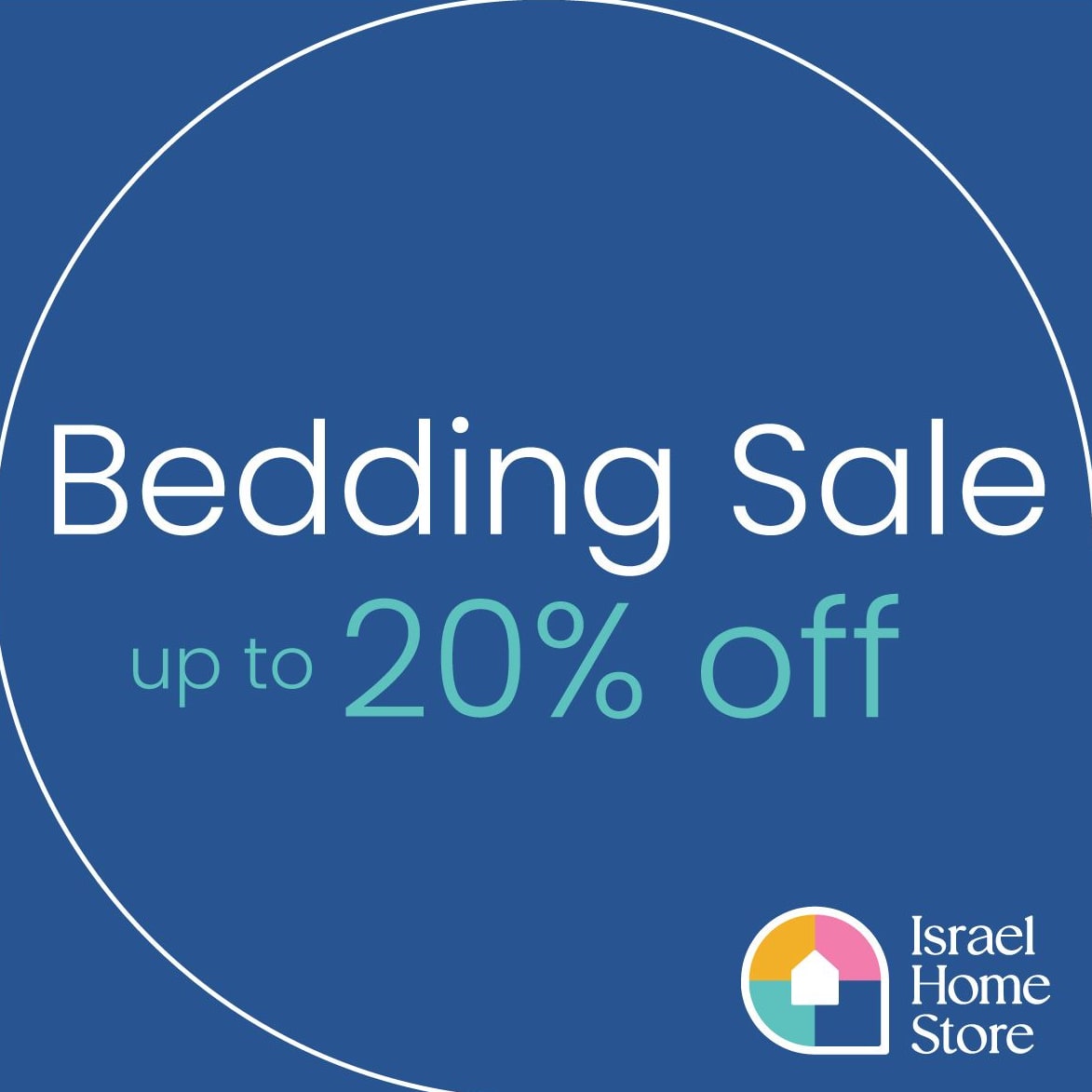


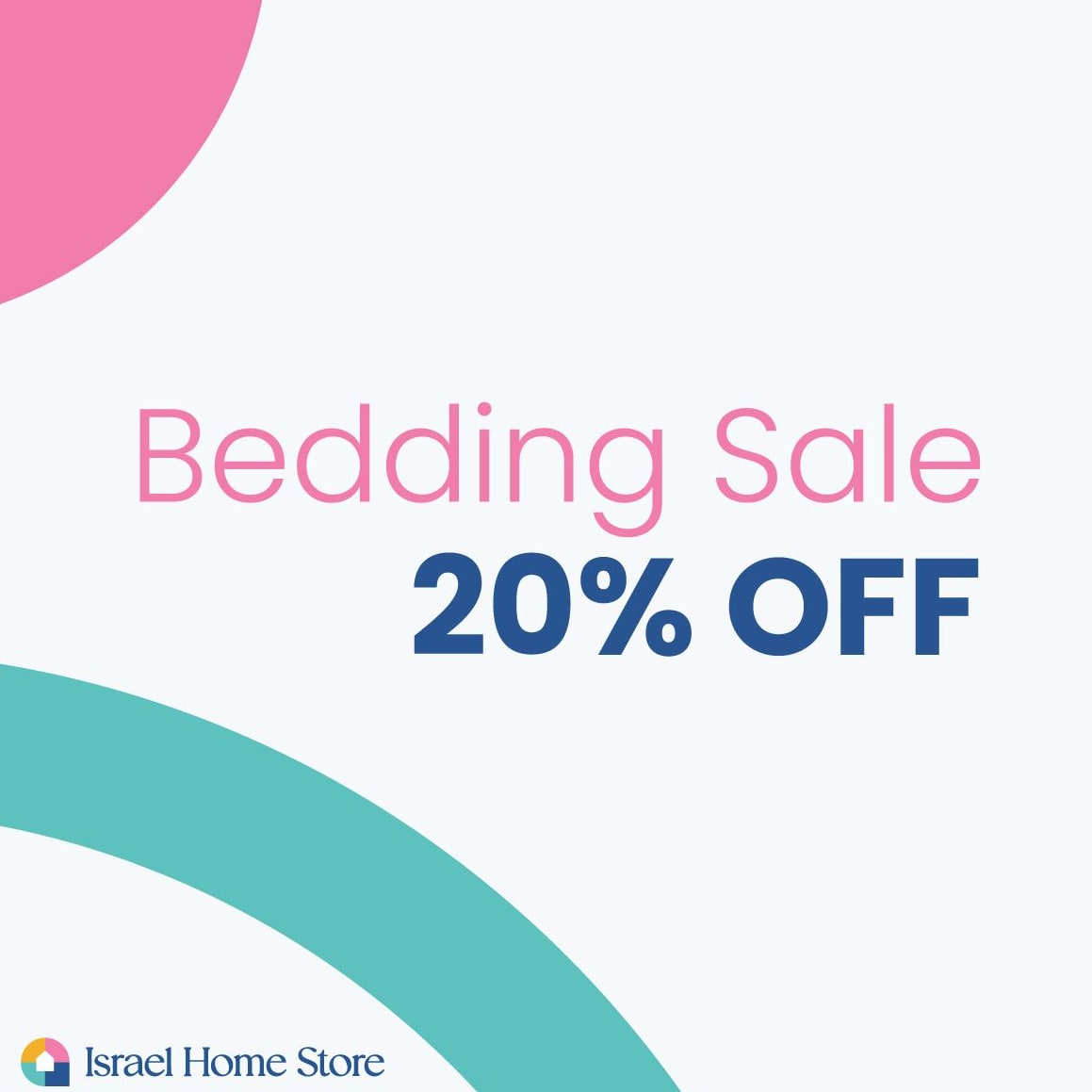
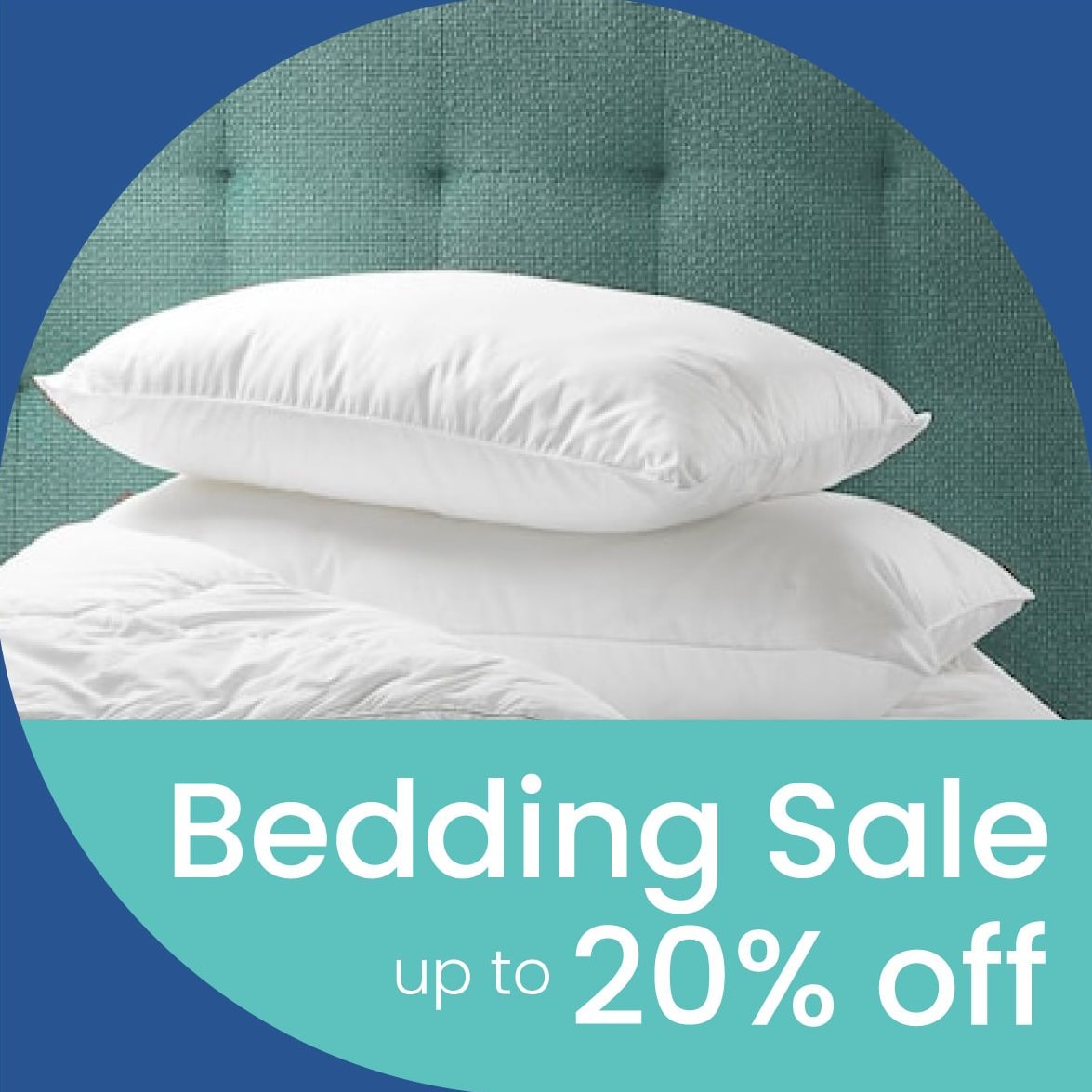

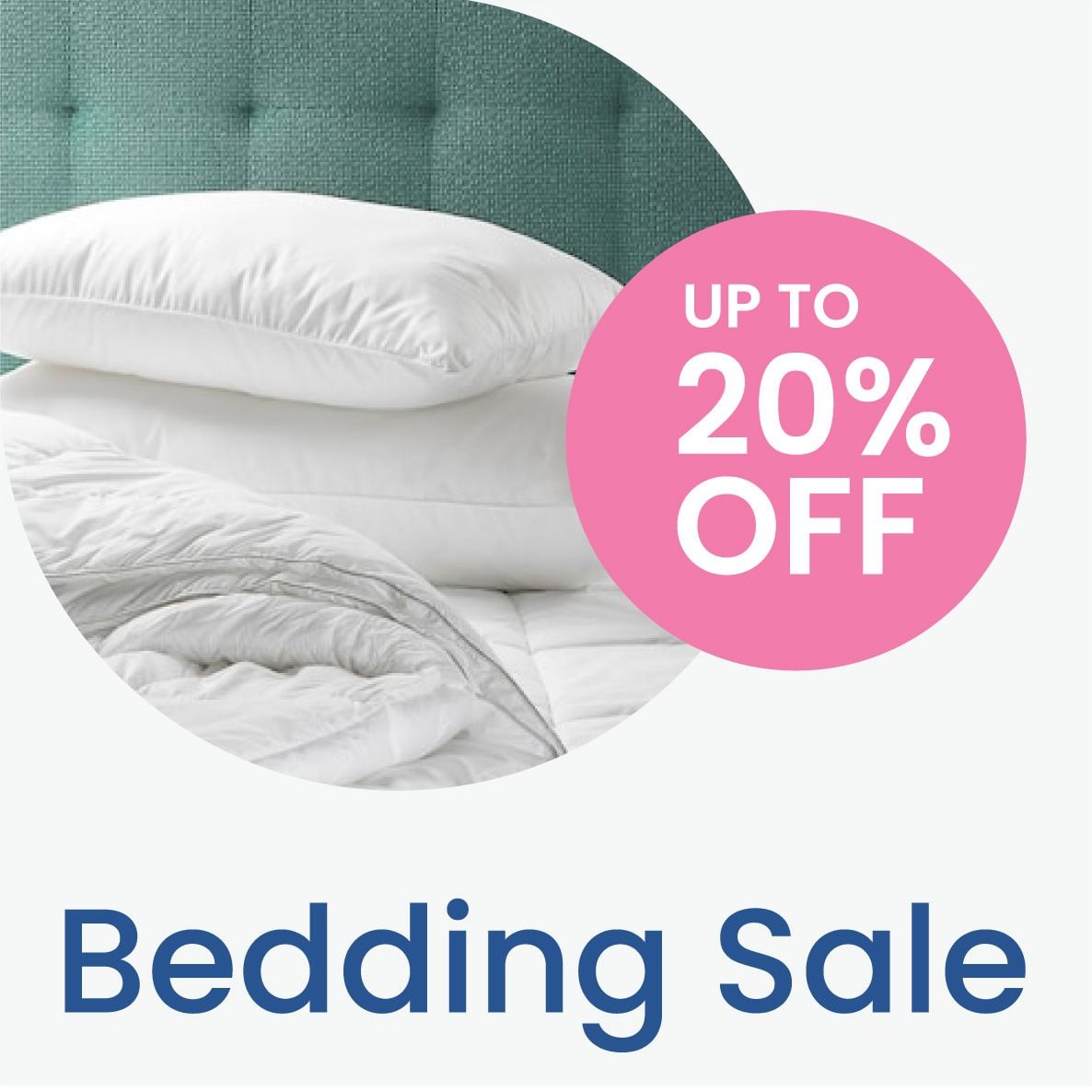
Because the parts repeat, a new sale is a new photo and a new number, not a new design.
When does a new kind of post get its own template?
When a new kind of post has come up two or three times, it has earned a template. Before that, it's a one-off, and one-offs can borrow the nearest template.
How the list gets made in a Media Kit
In a Media Kit, this list is the first conversation: where you post, how often, and what you send out. The templates are built from that list, on your own design grid, and set up in your Canva account with a short guide to editing them.
Questions people also ask
How many social media templates should I have?
One for each kind of post you publish regularly, such as announcements, offers, tips, testimonials and events. For most small businesses that is a handful, not dozens.
Do I need separate templates for Instagram, LinkedIn and Facebook?
Only for the sizes you post in. A square post often works on all three; a story or a LinkedIn banner needs its own size.
What if I start posting something new?
Once a new kind of post has come up two or three times, it's worth a template of its own, built on the same grid as the rest.